If you don’t want someone to contact you, just use the Block option. This will stop them from calling or messaging you.
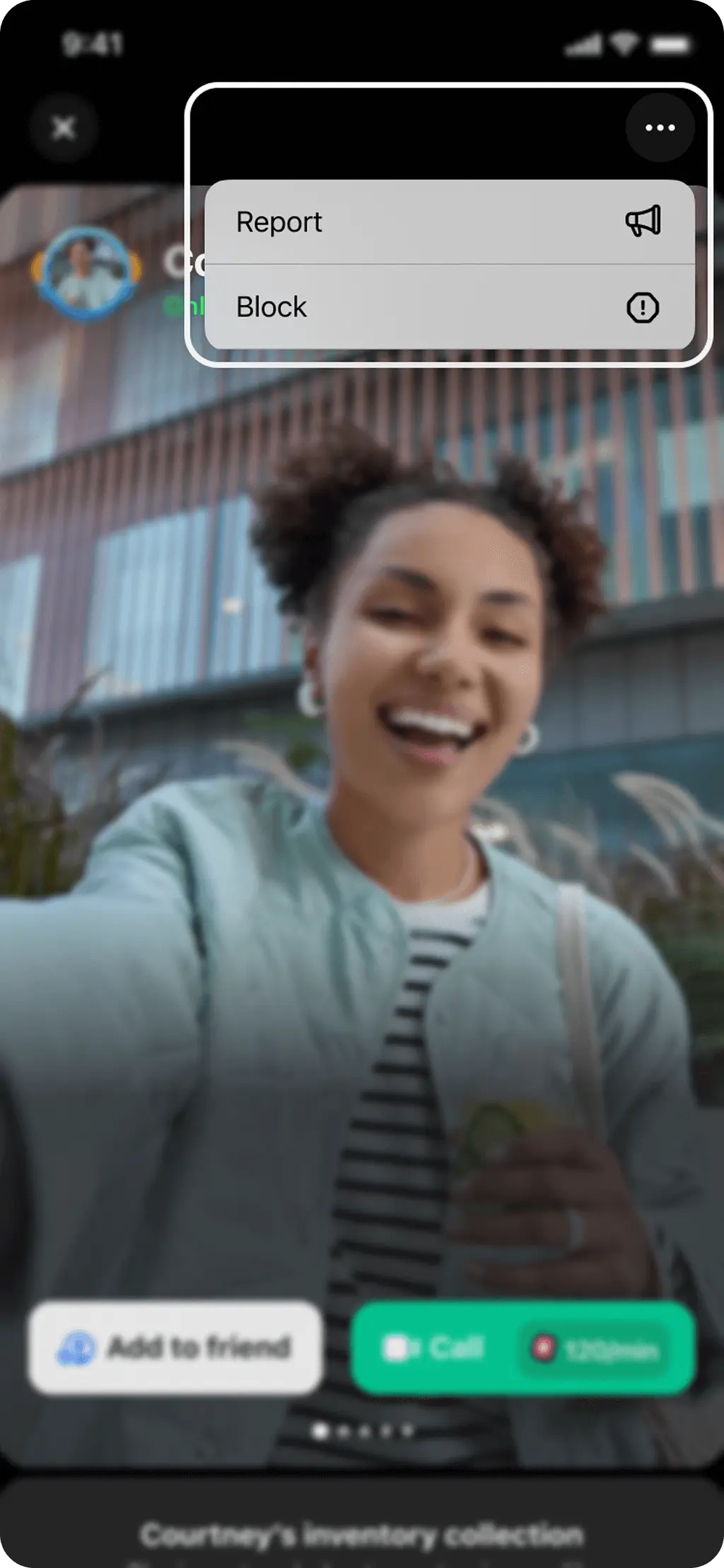
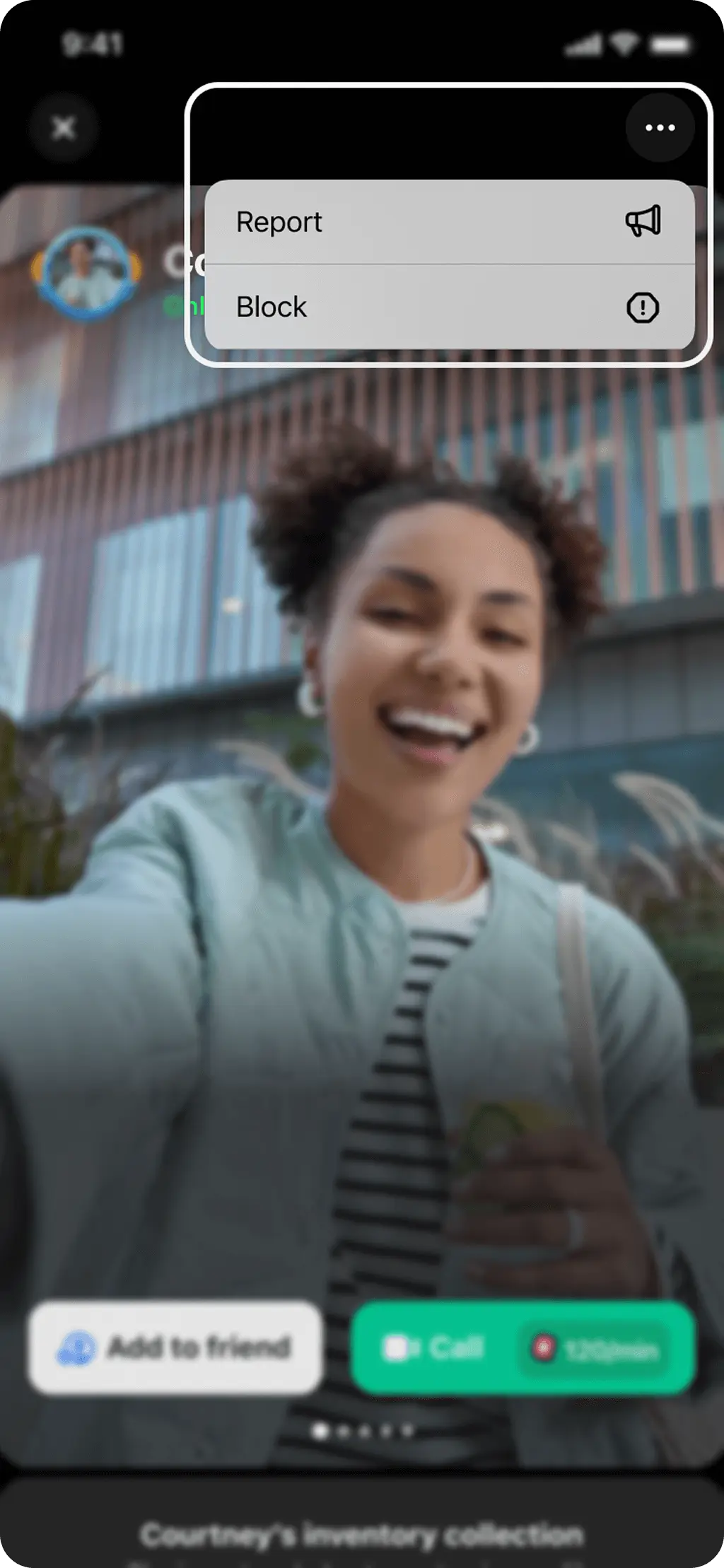
You can report inappropriate users from the detailed profile page, just click on the "⋮" symbol on the right upper corner of the screen. After that, please select the block option.
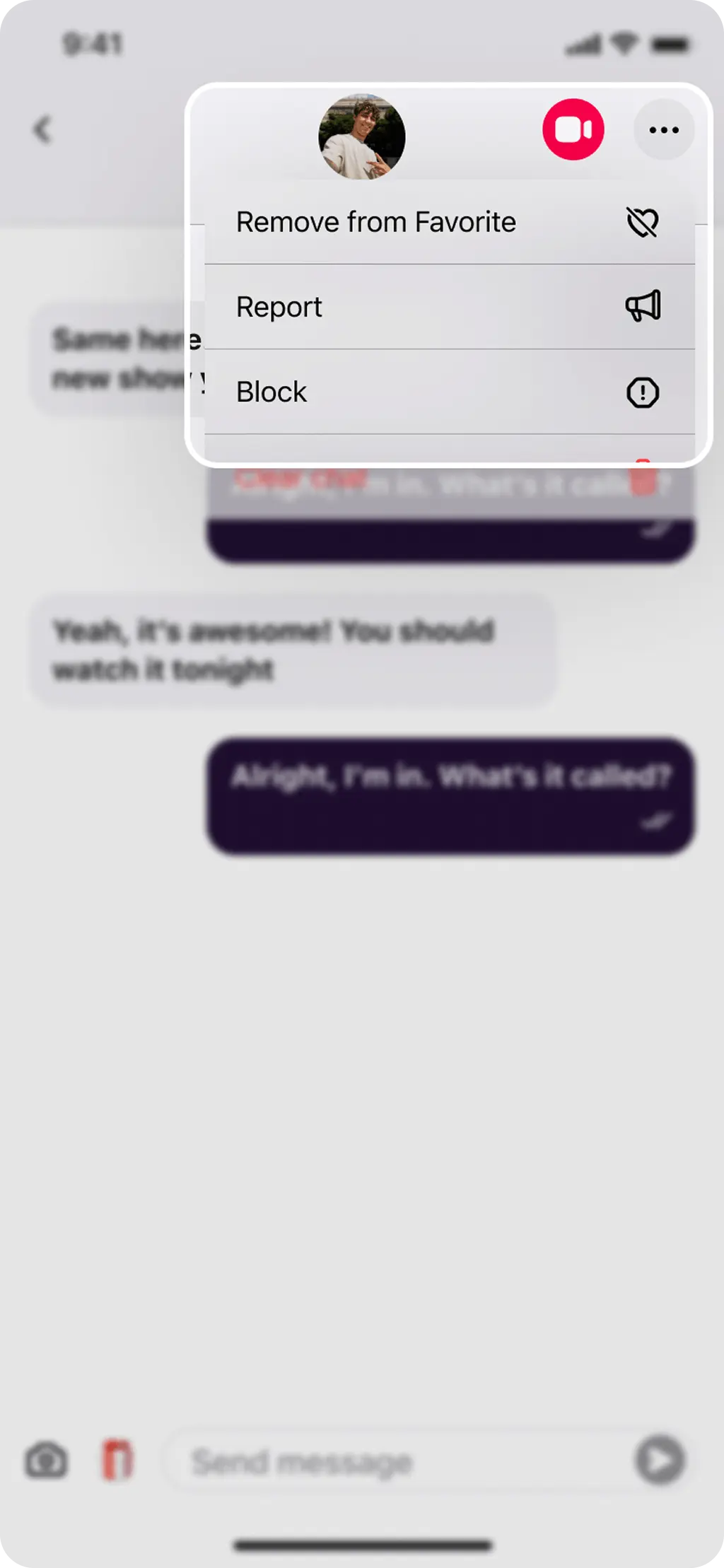
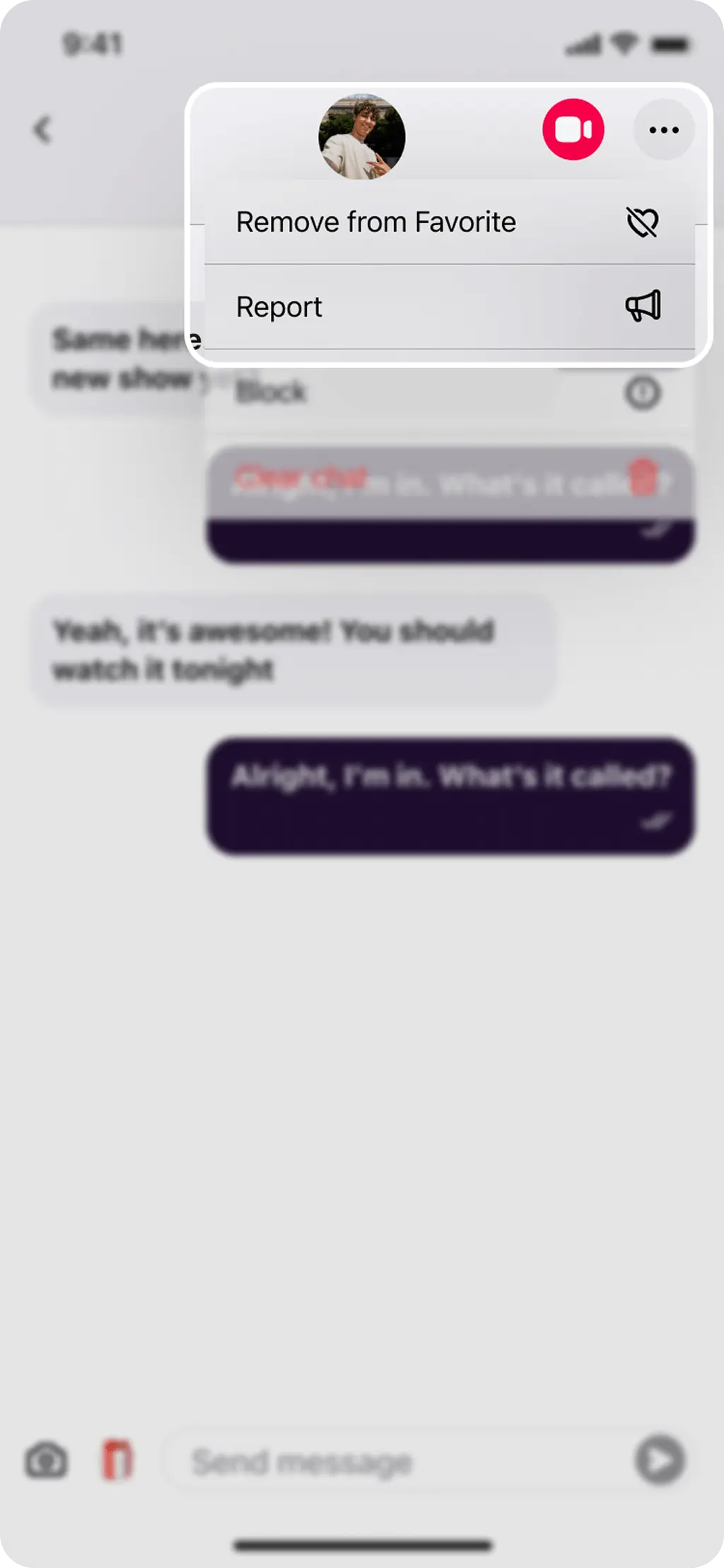
Alternatively, if can block user from message section, just click on the "⋮" symbol on the right upper corner of the screen. After that, please select the block option.
How to unblock user
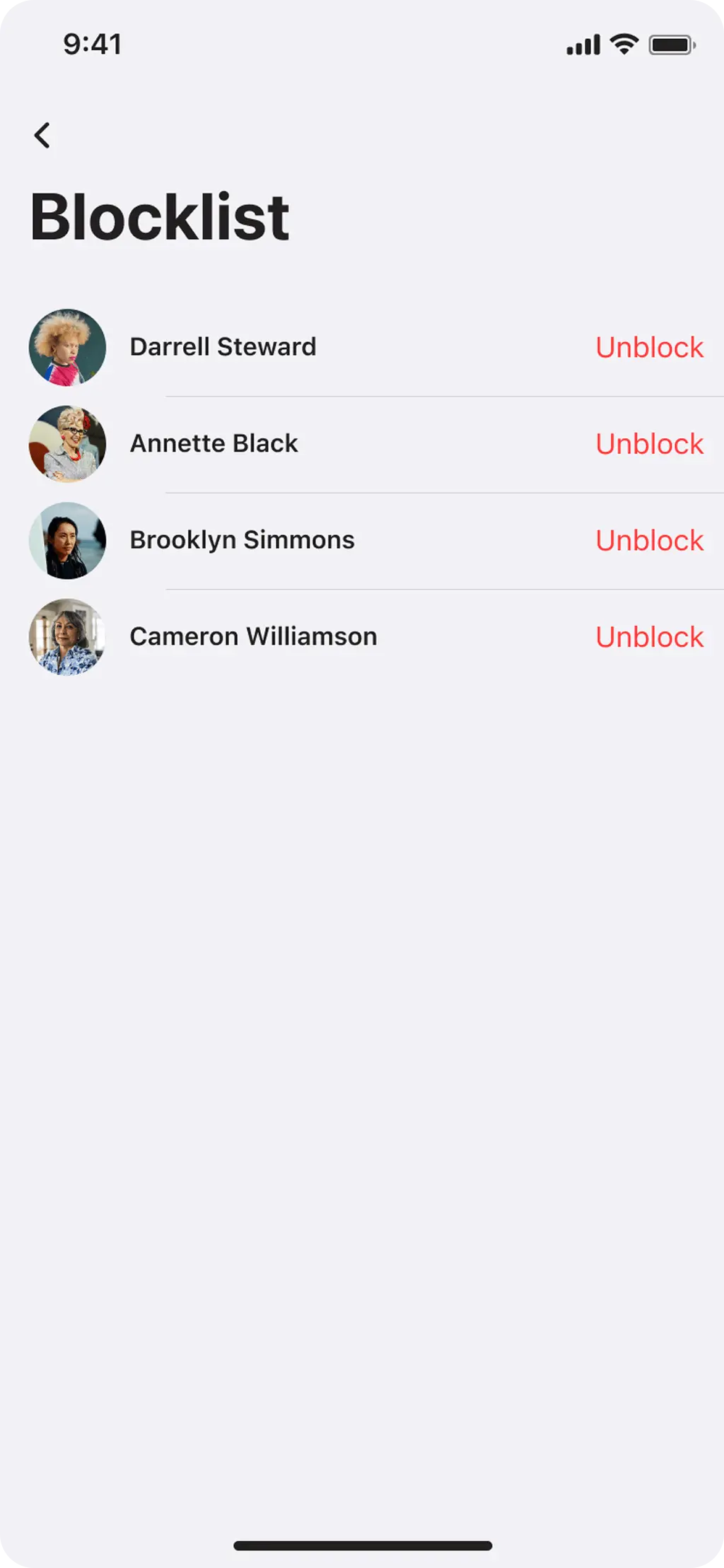
You can always unblock user by doing the following:
Go to Profile on the main screen > Find the 'Blocklist' section in the list > Choose user you want to unblock and tap on the “Unblock” button.
Your safety matters to us. We don't allow any behavior that breaks our rules. If you spot something wrong, let us know right away so we can deal with it.
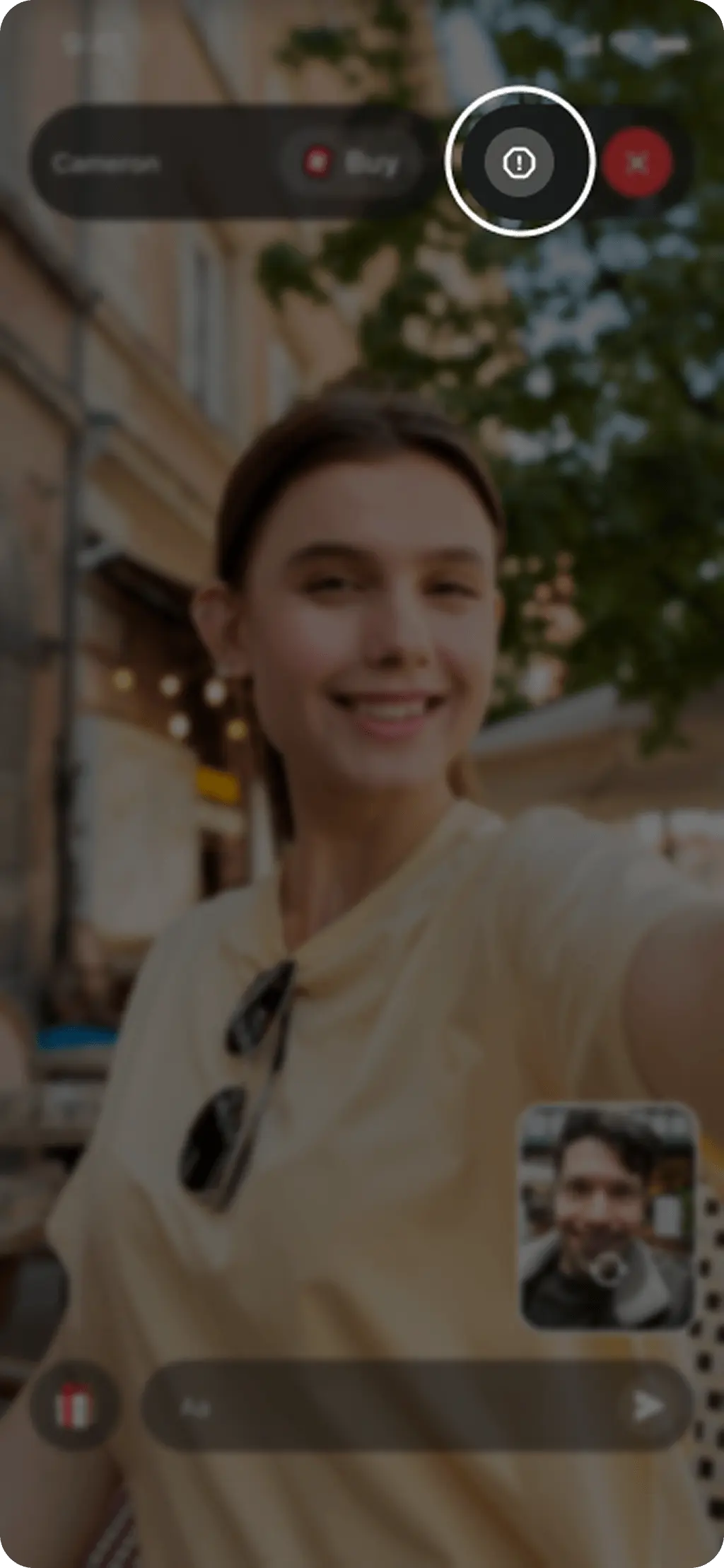
You can report inappropriate users by clicking on “Report” button at the top right corner while you are matched with them.
Alternatively, if you'd like to report inappropriate messages, please enter the chatroom with the improper messages and click on the "⋮" symbol on the right upper corner of the screen. After that, please select the report button and send us your report.
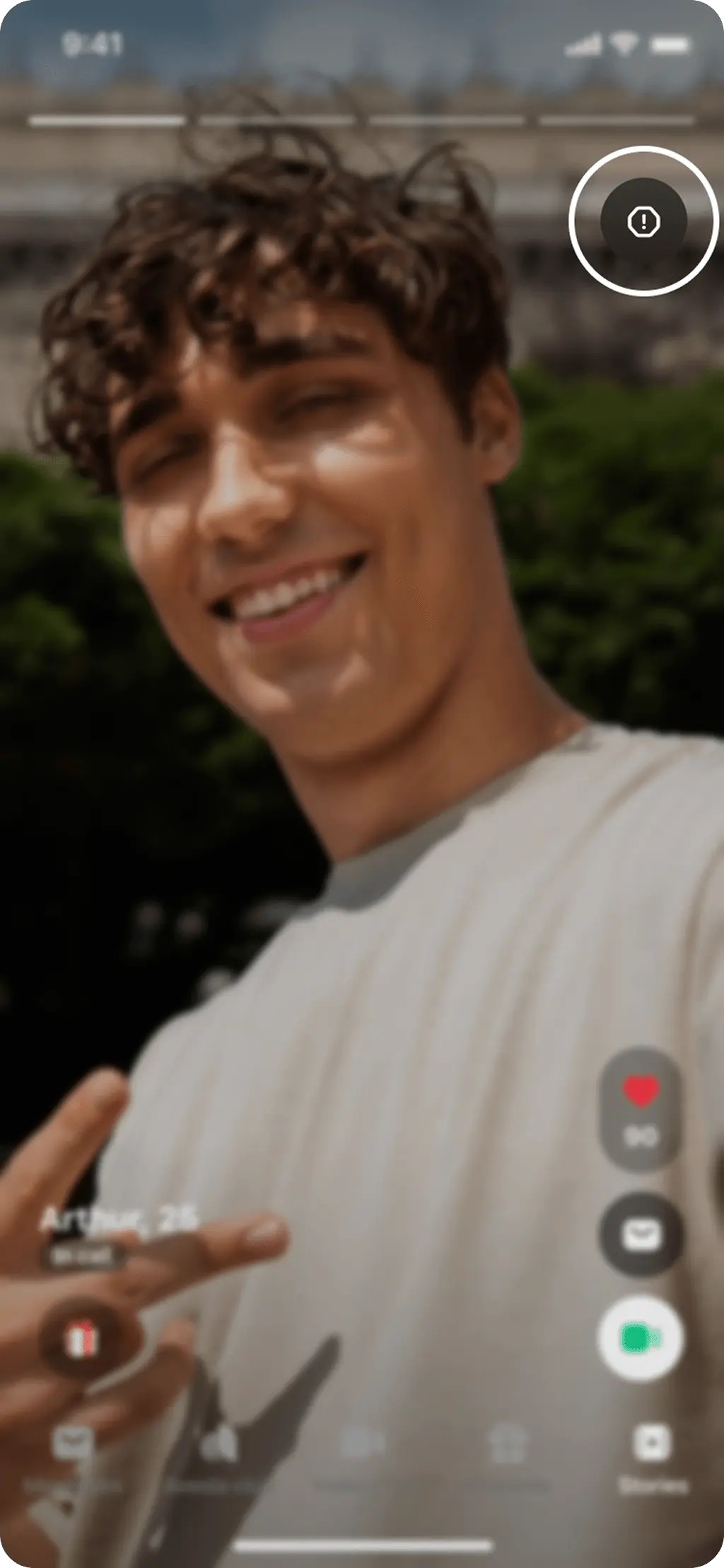
If you'd like to report inappropriate stories, click on the “Report” button at the top right corner of the screen.
Alternatively you can report the user from the detailed profile page, just click on the "⋮" symbol on the right upper corner of the screen. After that, please select the report button and send us your report.
If your profile content has been moderated following an illegal content report, your content will be removed. We also recommend reviewing Aveola's terms of service and Aveola Community Guidelines to understand the terms that govern your use of our services.
You may appeal the moderation decision within 6 months from the content removing.
We block accounts to keep Aveola safe for everyone. A block is permanent (account removal). Some blocks are triggered automatically by our safety systems; others are placed by human moderators after review.
Below you’ll find the most common reasons, what you can do next, and how to appeal if you believe this was a mistake.
Common reasons for blocks
Note: We do not reinstate accounts involved in child sexual exploitation, severe violence, or other zero-tolerance violations.
What you can do next
If you disagree with this decision, contact us and we’ll review the case.
We’ll take a fresh look and respond after review. Submitting multiple appeals will not speed up the process.
Tips to avoid future blocks
 Download App