If you previously installed Aveola on your iOS device but later uninstalled it, you can re-download it from the App Store.
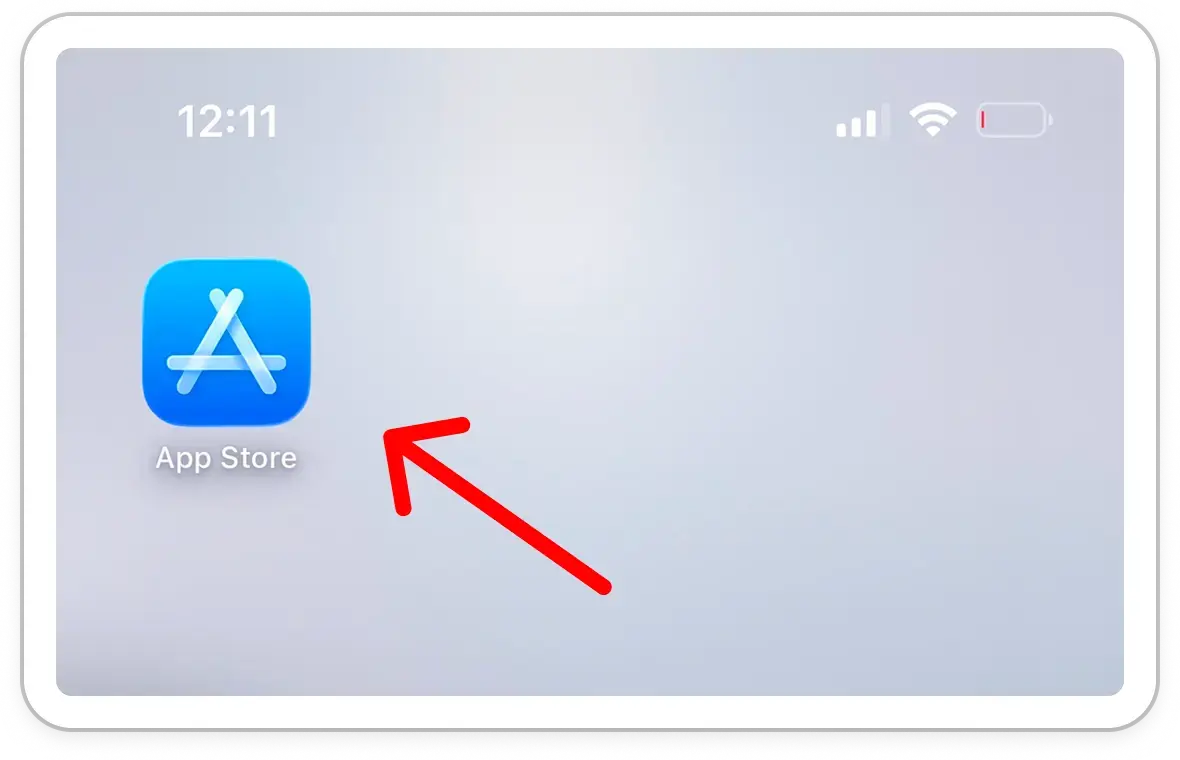
1. Open the App Store
Access the App Store on your iOS device.
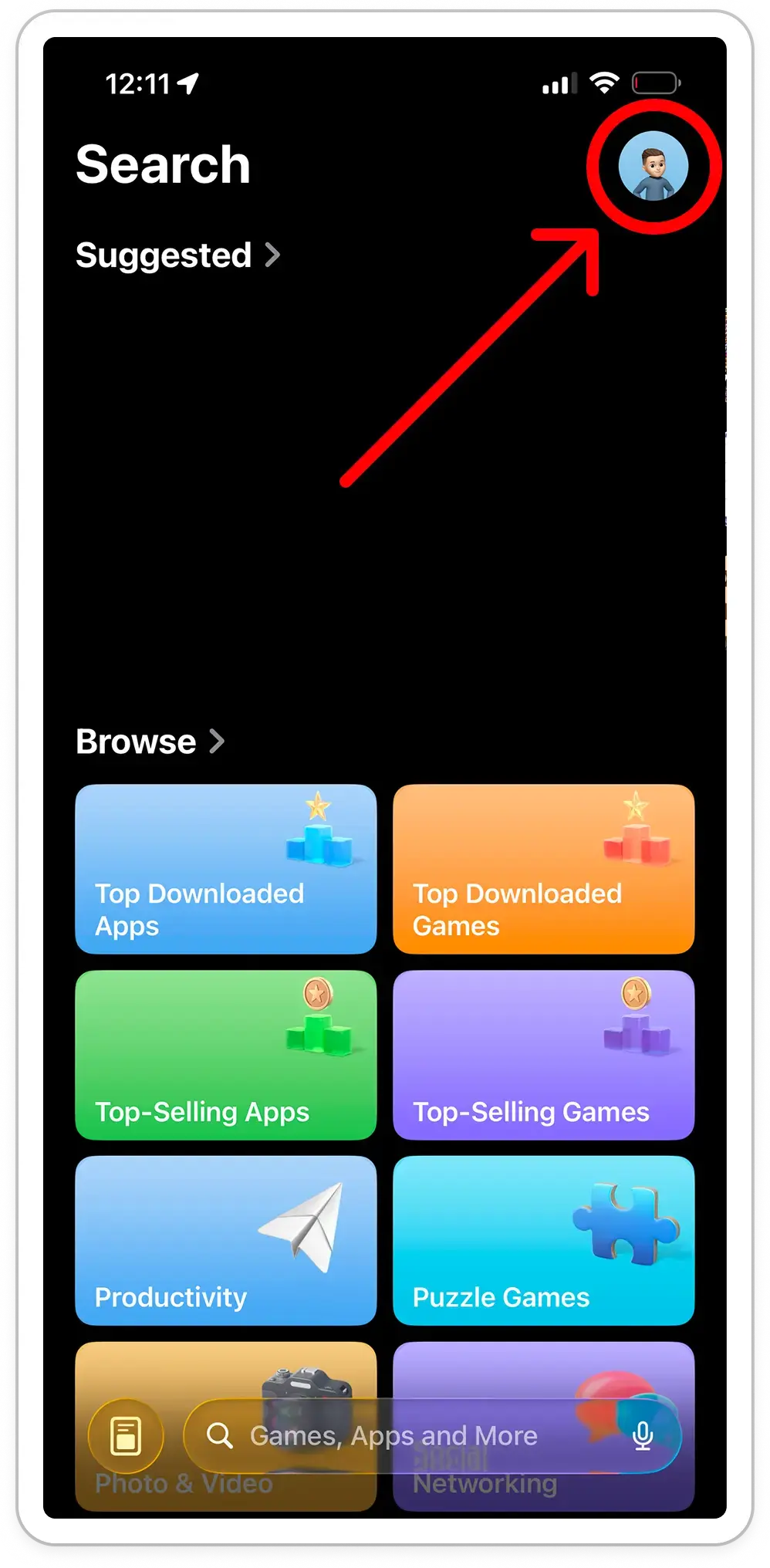
2. Access Your Account Settings
Tap your profile picture in the top-right corner of the screen.
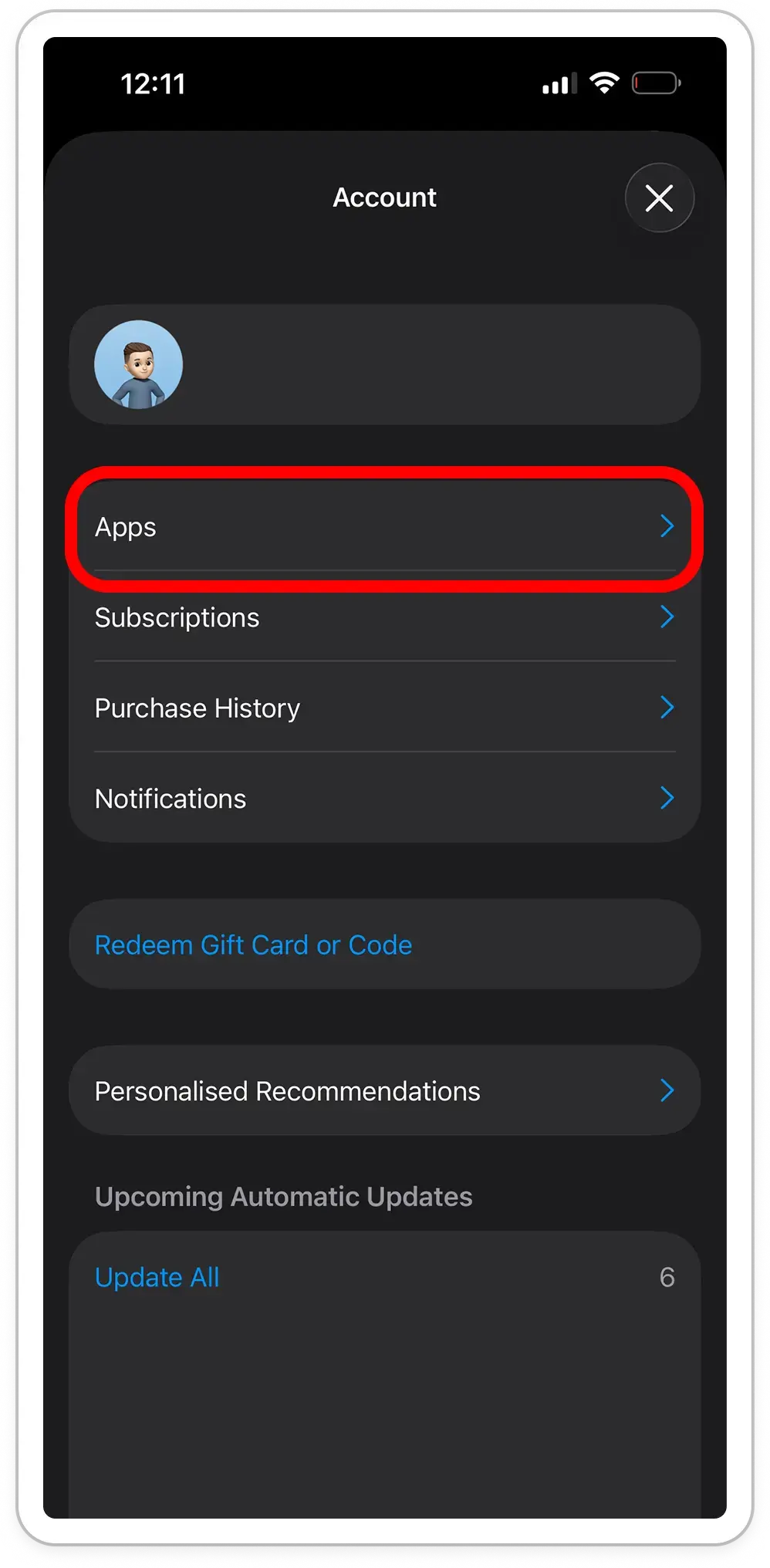
3. Locate Downloaded Apps
Navigate to 'Apps'
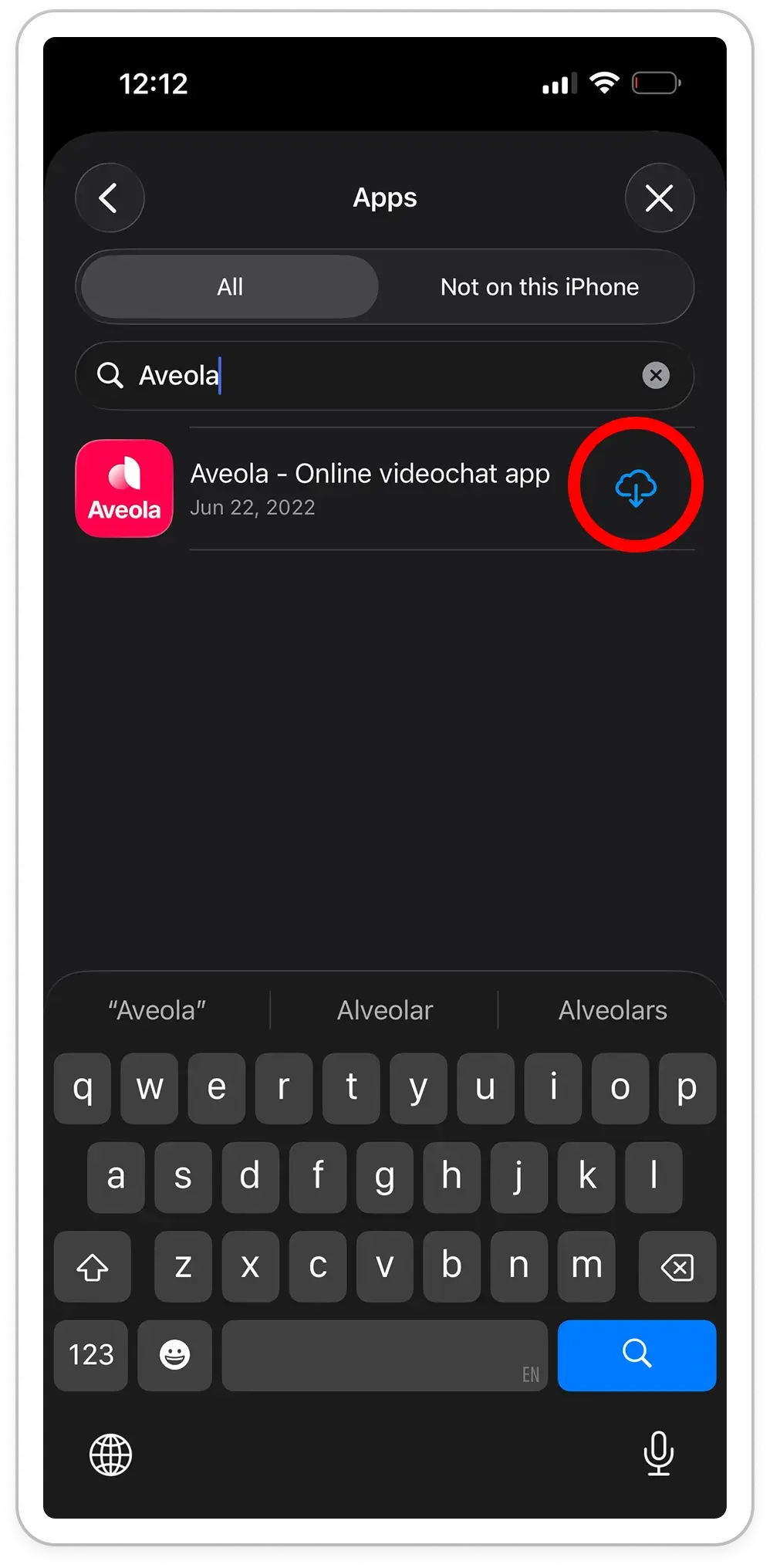
4. Re-download Aveola
Tap the 'Reinstall' button next to Aveola.
5. Launch the App
After installation, open Aveola and follow the registration or sign-in process.
We use cookies to enhance your browsing experience, serve personalised ads or content and analyse our traffic. By clicking "Accept all" or continuing browsing, you agree to our use of cookies and tracking technologies that require your consent, particularly Meta Pixel.
We and our partners use cookies and similar technologies to enhance your browsing experience, deliver pesonalized content, and analyze site traffic. This includes the use of tracking technologies such as Meta Pixel, which may be considered as a "sale" or "sharing" of personal information under applicable U.S. laws. To exercise your rights or opt out of such activities, click "Your privacy choices".
Customize Consent Preferences
We use cookies to help you navigate efficiently and perform certain functions. You will find detailed information about all cookies under each consent category below. The cookies that are categorized as "Necessary" are stored on your browser as they are essential for enabling the basic functionalities of the site.